Molecule Creator
MoleculeCreator is the built-in SceneCreator subclass that turns ChemicalData
into a 3D scene. It is used automatically when you pass ChemicalData as the
SceneData parameter of BabylonCanvas.
How It Works
The CreateAsync method performs these steps:
- Calculate the bounding box — determines the molecule size to set the camera distance.
- Create the engine and scene — standard Babylon.js setup with antialiasing.
- Create the camera — an
ArcRotateCamerapositioned at a distance proportional to the molecule size (absolutMax * 3.6). - Create a hemispheric light — directional light at intensity 0.98.
- Assign colors — each unique element name gets a color from
ColorPalette. - Create materials with textures — for each element, a
DynamicTextureis created with the element symbol rendered as bold monospace text. - Center the molecule — calls
MoveCenterToZero()so the molecule rotates around its center. - Create atom spheres — one sphere per atom, scaled by
DistanceScale(2.0). - Create bond tubes — one or more tubes per bond, depending on bond type.
- Start the render loop — with auto-rotate if enabled.
Distance Scale
All atom coordinates are multiplied by DistanceScale (default 2.0) to make the
molecule visible at a reasonable size. This is a public property on
MoleculeCreator:
Bond Rendering
Single Bond
One tube from atom A to atom B with radius 0.075.
Double Bond
Two parallel tubes offset from the center line. The offset direction is calculated from the bond angle relative to the Y axis.
Triple Bond
One central tube plus two offset tubes (same geometry as a double bond, but with a wider line distance of 0.1).
Camera Distance
The camera radius is set to absolutMax * 3.6, where absolutMax is the larger
of the X or Y extent of the molecule bounding box. This ensures the molecule fits
in the viewport regardless of its size.
Error Handling
If ChemicalData.ShowErrorText is true and ErrorText is not empty, the
BabylonCanvasBase draws the error text on the canvas instead of calling
MoleculeCreator. If there are no atoms, "Nothing to Draw" is displayed.
Customizing Molecule Rendering
To customize how molecules are rendered, subclass SceneCreator (or
MoleculeCreator) and override CreateAsync. Then create a custom canvas that
uses your creator. See Custom Scene.
Example Molecules
The demo application renders several molecules from ChemicalData:
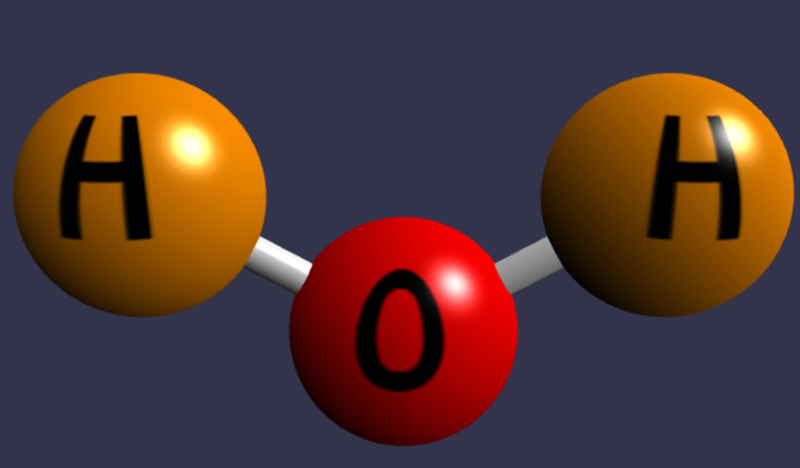
Water (H2O)
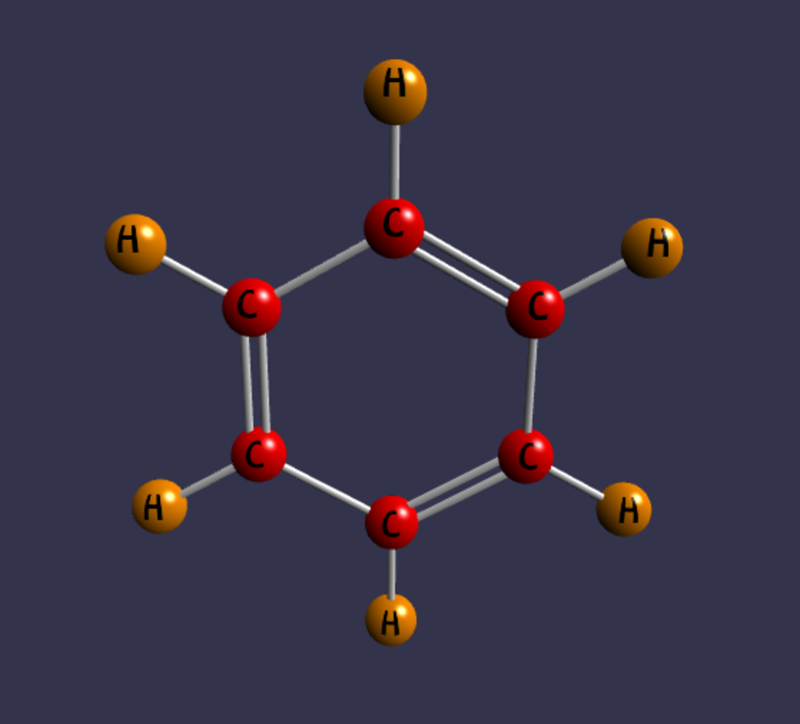
Benzene (C6H6)
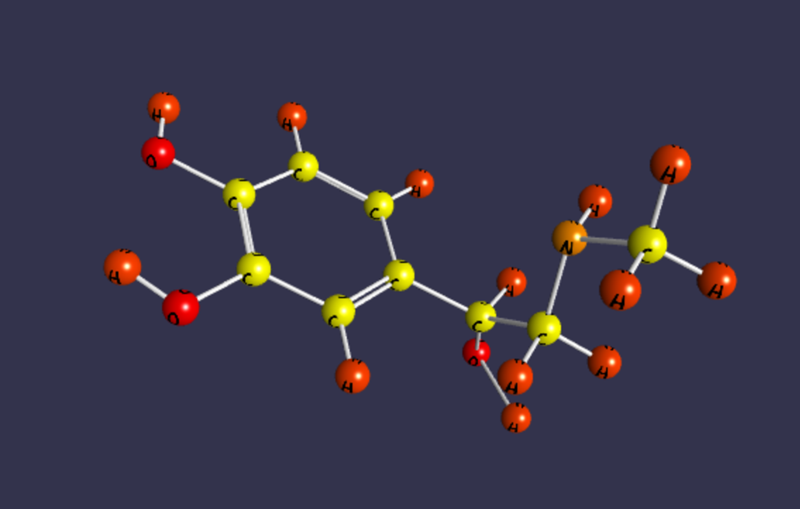
Epinephrine (C9H13NO3)